Staying connected with your business emails is essential for managing customer enquiries, receiving important company notifications, and keeping track of business activities. If you have an account with Easy Digital Company, accessing your mailbox is quick and secure.
Step 1: Log in to the Easy Digital Company Login Page
Open your preferred web browser and navigate to the Easy Digital Company login portal:
You will be presented with the secure sign-in page where you can access your account. The login page requires:
- Your registered email address
- Your account password
- A verification code sent to your registered mobile phone (if the two-factor authentication is enabled)
Step 2: Sign In to Your Account
Enter your login credentials carefully:
- Type your registered email address.
- Enter your password.
- If prompted, enter the verification code sent to your mobile device.
- Click Sign In.
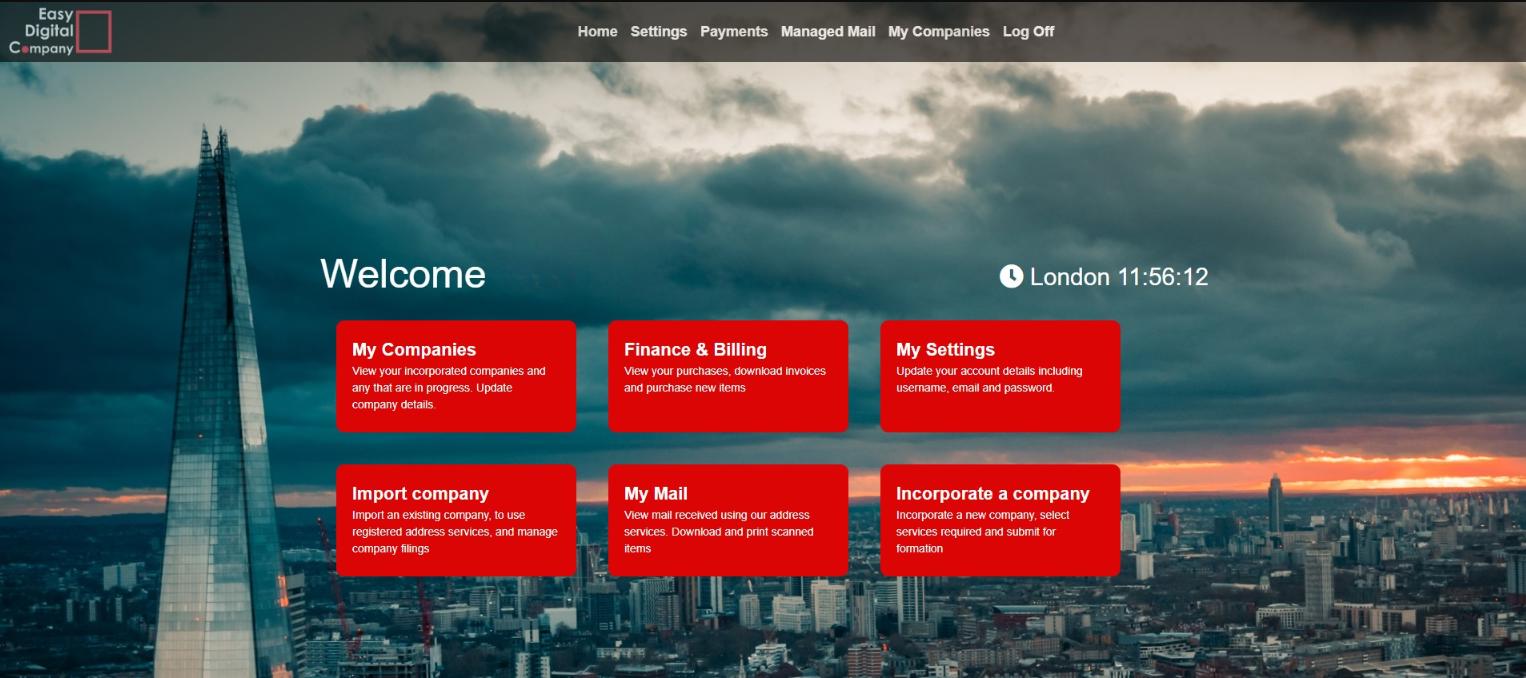
Once authenticated, you'll be taken to your account dashboard.
Step 3: Access Your Mail
After logging into your Easy Digital Company account, navigate to the mail or correspondence section (if available with your account or subscribed services). Here you can:
- Read official correspondence.
- Check notifications regarding your company.
- Monitor updates relating to your registered business services.
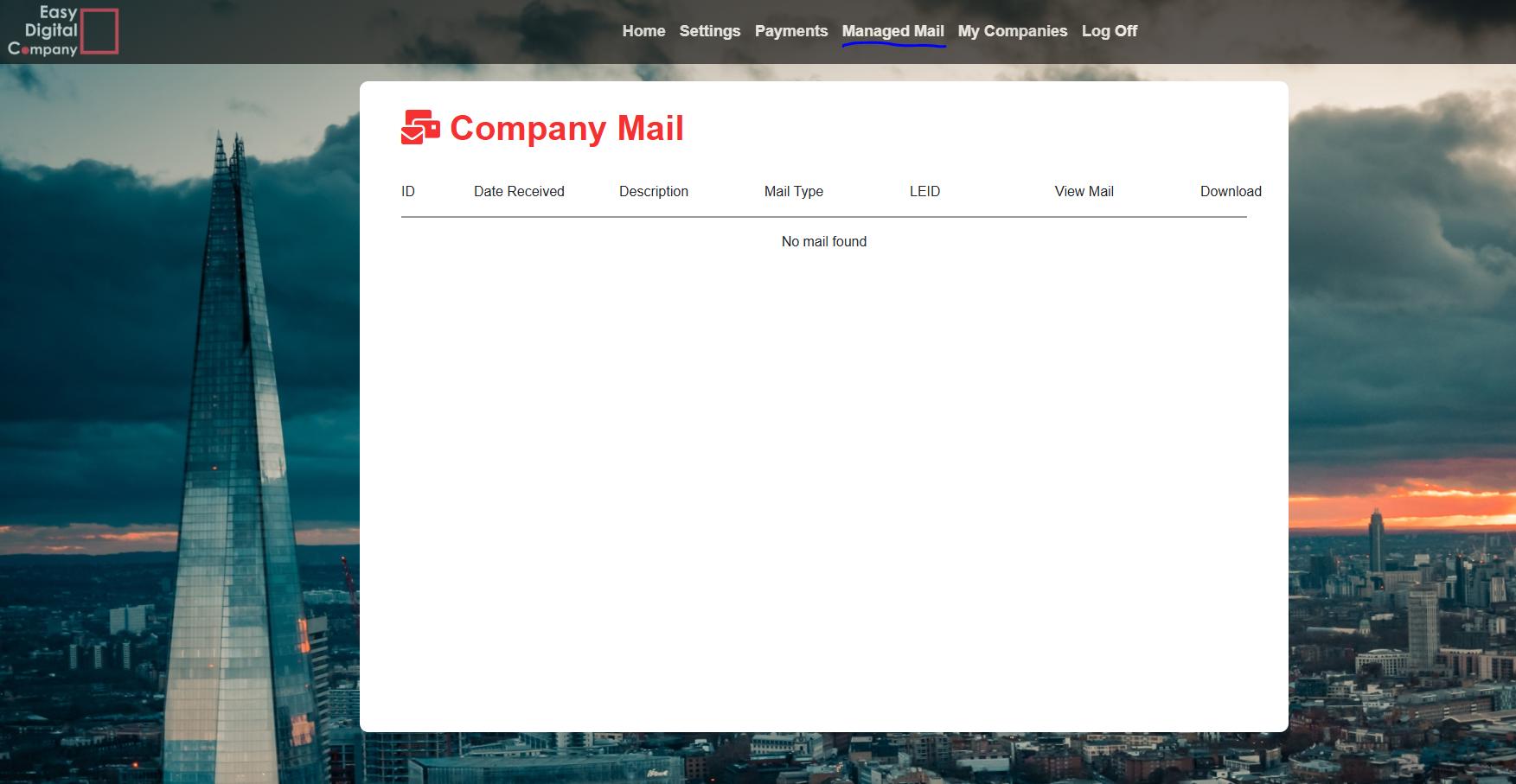
Depending on the services you've purchased, this may include letters from HMRC and Companies House; or mail regarding business incorporation.
What If You Can't Log In?
If you're having trouble accessing your account, try the following:
- Double-check your email address and password.
- Ensure Caps Lock is not enabled.
- Confirm you're entering the latest verification code if two-factor authentication is required.
- Use the Forgot Password option if you've forgotten your password.
Need Assistance?
If you continue experiencing login issues or cannot access your mail, contact the Easy Digital Company support team. They offer assistance via phone, live chat, and email during business hours.
Security Tips
To help protect your account:
- Never share your login credentials.
- Use a strong, unique password.
- Keep your registered mobile number up to date for verification codes.
- Always sign out after using a shared or public computer.
Conclusion
Checking your mail through Easy Digital Company is a straightforward process. Simply log in using your registered email address, password, and any required verification code to securely access your account. Regularly reviewing your mailbox helps ensure you never miss important business communications, compliance updates, or service notifications.